Projects & How-To
How to Mount a TV on the Wall Safely
Step-by-step TV wall mounting: choosing a VESA-compatible bracket, finding studs or solid masonry, choosing anchors, drilling, levelling and managing cables safely.
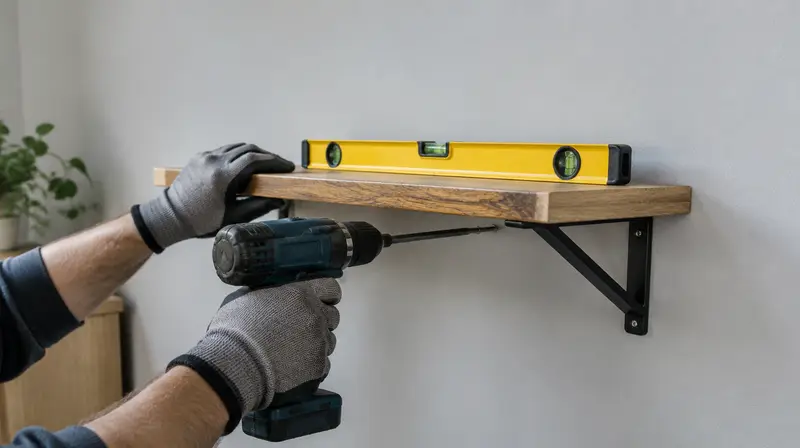
A wall-mounted TV saves space and looks great, but it is also a heavy object hanging on a lever arm above people's heads. Doing it right means the correct bracket, the correct fixings for your wall and careful levelling. This guide covers fixed, tilting and full-motion mounts on drywall and masonry.
Tools and materials
- Drill; rotary hammer for concrete
- Stud and wire detector
- Spirit level
- Socket set or wrench (for lag bolts), screwdrivers
- Tape measure, pencil, masking tape
- VESA-compatible wall bracket rated for the TV's weight and size
- Fixings rated for your wall (supplied fixings may not suit your wall)
Step 1: Choose the right bracket
- VESA pattern: the spacing of the mounting holes on the back of the TV (e.g. 200×200, 400×400). The bracket must support it.
- Weight rating: at least the TV's weight, with margin.
- Type: fixed (slimmest, lowest leverage), tilting (reduces glare), full-motion (most flexible but applies the most leverage to the wall; needs studs or solid masonry).
Step 2: Check the wall
| Wall | How to mount |
|---|---|
| Drywall on wooden studs | Lag screws into the centre of studs (most brackets span two studs) |
| Drywall on metal studs | Heavy-duty metal-stud anchors or toggle bolts rated for the load; follow bracket guidance |
| Drywall, no suitable studs | Only small, light TVs on fixed mounts with high-rated toggles; otherwise add framing or choose another location |
| Brick / concrete | Heavy-duty masonry anchors or concrete screws of the specified size |
Plaster-only walls without studs, crumbling masonry, or anywhere cables or pipes run. Avoid mounting above a working fireplace (heat damages TVs and viewing angles are poor).
Step 3: Plan the height and cables
- The centre of the screen is usually at seated eye level, around 100–110 cm (40–43 in) from the floor for a typical sofa.
- Plan where power and cables will run. Use a cable cover or an in-wall kit that is rated for in-wall use. Do not run a standard power cord inside a wall.
- Scan the area for cables and pipes.
Step 4: Mark and drill
- Hold the wall plate at the chosen height; level it and mark the holes. On drywall, mark stud centres first and align holes to them.
- Drill pilot holes into studs (size per bracket instructions) or masonry holes to the anchor's bit size and depth.
- Clean dust from masonry holes and insert anchors.
Step 5: Fix the wall plate
- Attach the wall plate with the supplied or suitable lag bolts/screws, using a socket wrench.
- Check level before final tightening; many plates allow small adjustments.
- Tighten firmly but do not strip wood or crush drywall.
Step 6: Attach arms to the TV and hang it
- Lay the TV face down on a soft, clean surface.
- Attach the vertical arms with the correct screws and spacers (screws too long can damage the TV).
- With a helper, lift the TV and hook it onto the wall plate. Engage the safety locks or screws.
- Check level and adjust tilt; connect cables.
Frequently asked questions
Can I mount a TV on drywall without studs?
Only small, light TVs with fixed mounts and heavy-duty hollow-wall anchors, within the anchor and bracket ratings. For medium and large TVs, fix into studs or solid masonry.
What size screws for the TV?
Most TVs use M4, M6 or M8 screws; the bracket usually supplies several sizes. Use the length that engages the threads fully without bottoming out.
This guide is general information, not professional advice. Always read your tool's manual, use the right protective equipment and follow local building and electrical codes. See our disclaimer.